
Buying guide
MagSafe Accessories: What Actually Works With Your iPhone
8 min read · Updated October 2026

MagSafe is Apple’s ring of magnets in the back of every iPhone since the iPhone 12. It lines up chargers perfectly and lets wallets, stands, mounts and power banks snap on and off. It is genuinely useful, but there are a few details that decide whether an accessory works well or slides off. Here is what to know before you buy.
Which iPhones support MagSafe?
Every iPhone 12, 13, 14, 15 and 16 model has MagSafe, including the mini, Plus, Pro and Pro Max versions. The iPhone SE and iPhone 11 and earlier do not have the magnet ring. You can still use magnetic accessories with those phones by adding a MagSafe-compatible case, which has the magnets built in.
Your case decides everything
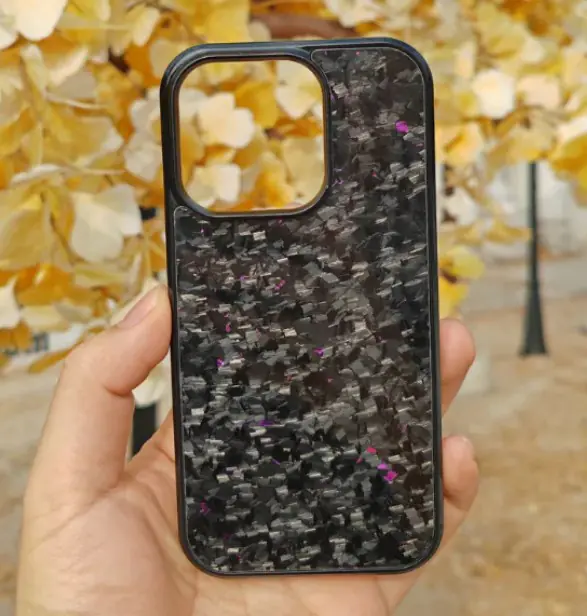
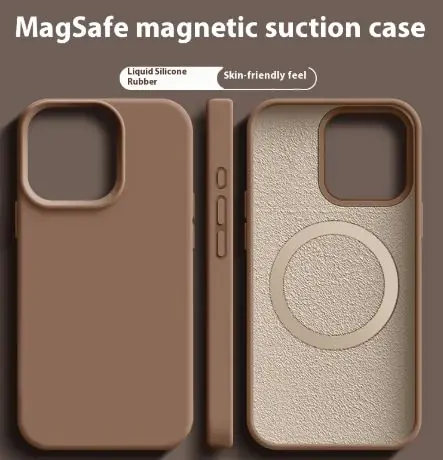
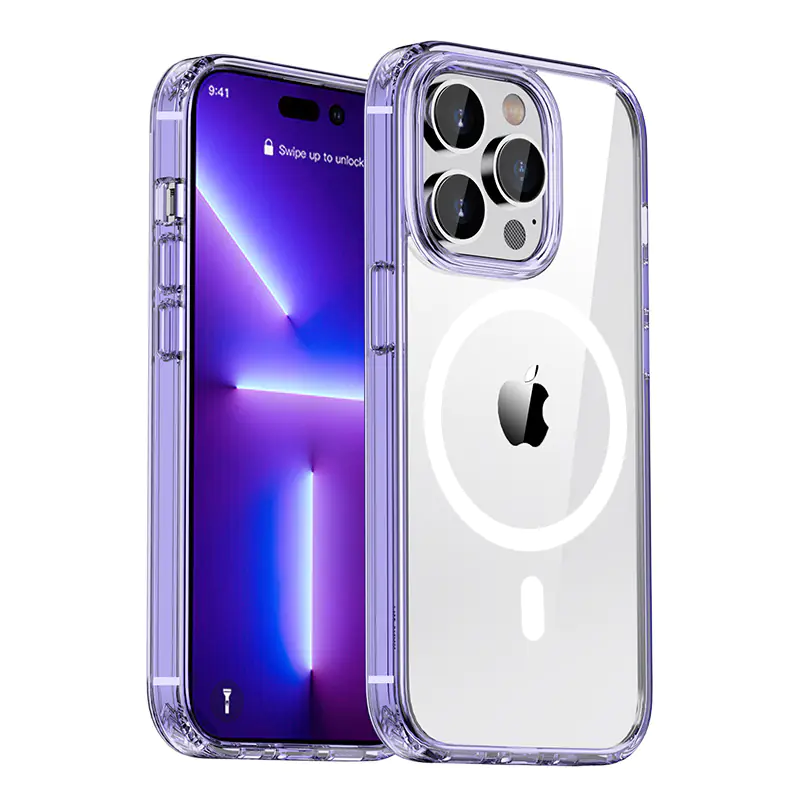
MagSafe magnets work through thin cases, but a regular case without magnets weakens the hold a lot. Wallets fall off, car mounts drop the phone on bumps and chargers lose alignment. If you use any MagSafe accessory, use a case labelled MagSafe-compatible. It has its own magnet ring that adds to the phone’s.
Thick rugged cases, metal plates and cases with a card slot on the back are the usual culprits when a MagSafe accessory feels weak.
Charging: MagSafe vs Qi2 vs Qi
Official MagSafe chargers deliver up to 15W to iPhone 12 and later (25W on the latest models with newer Apple chargers). Qi2 is the open standard built on MagSafe’s magnetic design; Qi2 chargers also reach 15W on recent iPhones and work with many Android phones that support it.
Older Qi wireless pads, the flat ones without magnets, usually charge iPhones at 7.5W. They are fine overnight but slow during the day. Magnetic third-party chargers sit in between: perfectly aligned, typically 7.5–15W depending on the model.
Wireless charging is always a little slower and warmer than a cable. For the fastest top-up, use a 20W+ USB-C PD charger and cable; use MagSafe for convenience. More on watts in our USB-C charging guide.
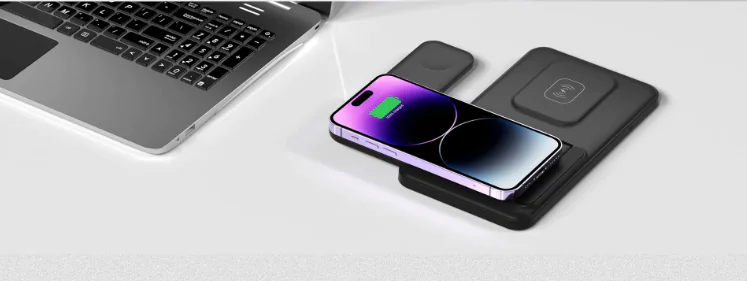
The accessories worth buying
Card wallet: the most popular MagSafe accessory for a reason. Slim wallets carry two or three cards; versions with a built-in stand double as a kickstand for videos.
Magnetic power bank: snaps on, charges while you use the phone, and comes off when you are done. Look for 5,000 mAh for slim daily use or 10,000 mAh for long days.
Car mount: a magnetic vent or dashboard mount means one-handed placement and perfect alignment every time. Pair it with a MagSafe case for a firm hold on rough roads.
Ring grip and suction mounts: a magnetic ring gives a secure grip and kickstand without glue; suction mounts stick to mirrors, tiles and gym equipment for filming or following workouts.
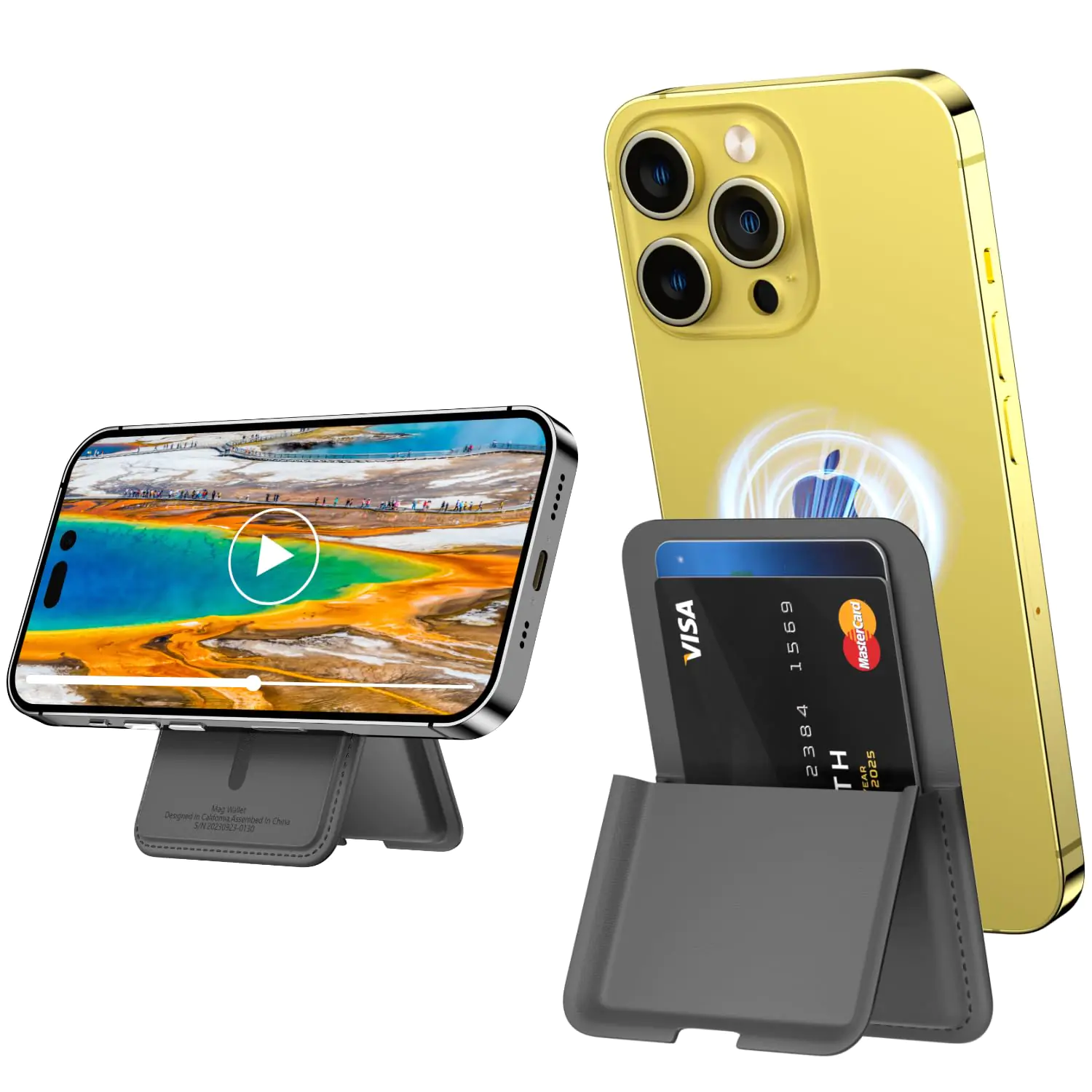
CarryHub
MagSafe Magnetic Card Wallet
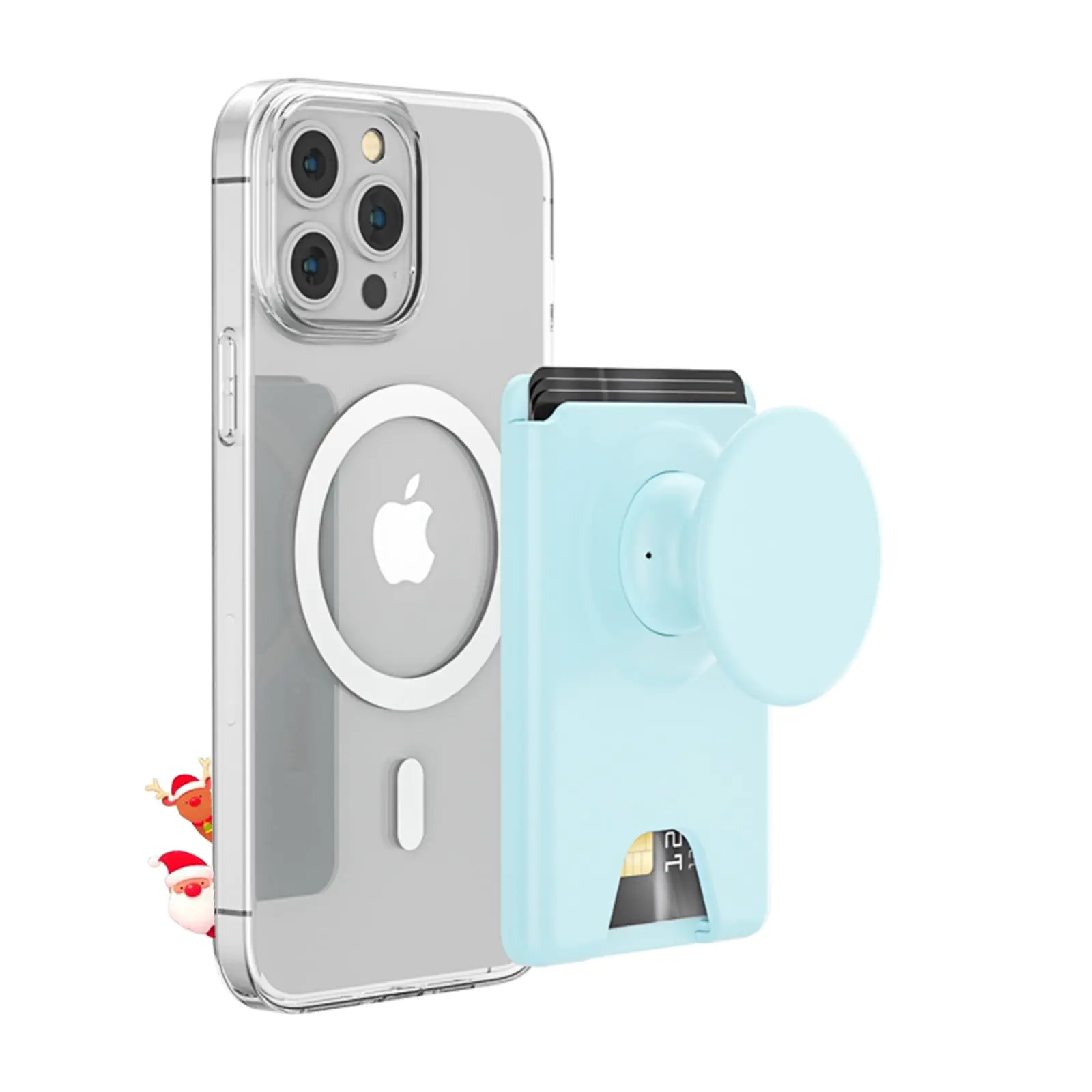
CarryHub
AUROX for MagSafe Wallet Stand Magnetic Wallet Stand for Magsafe
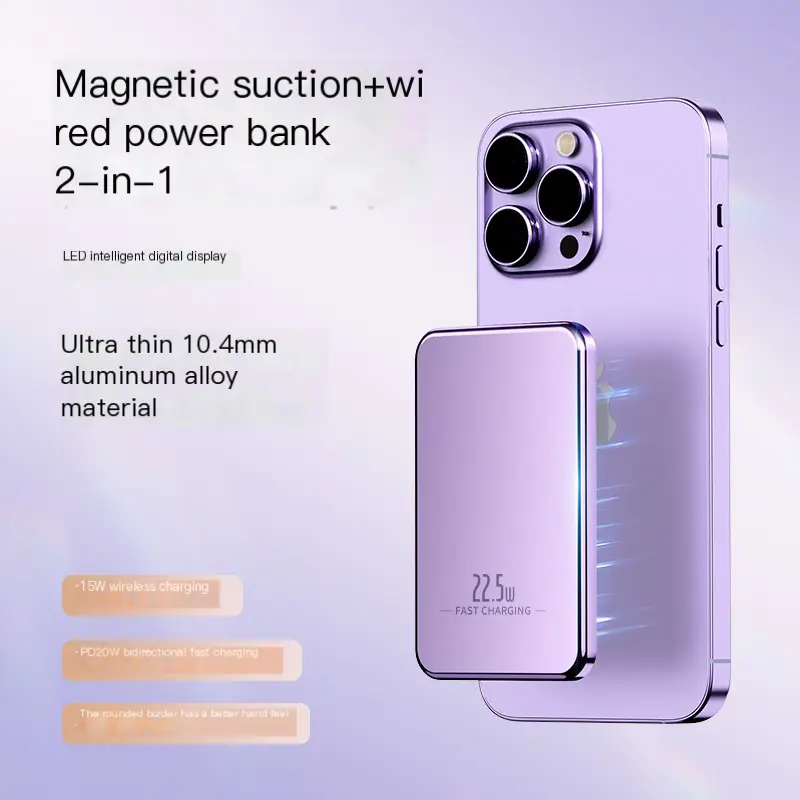
CarryHub
MagSafe Ultra-Thin Aluminum Power Bank 20W Fast Charge
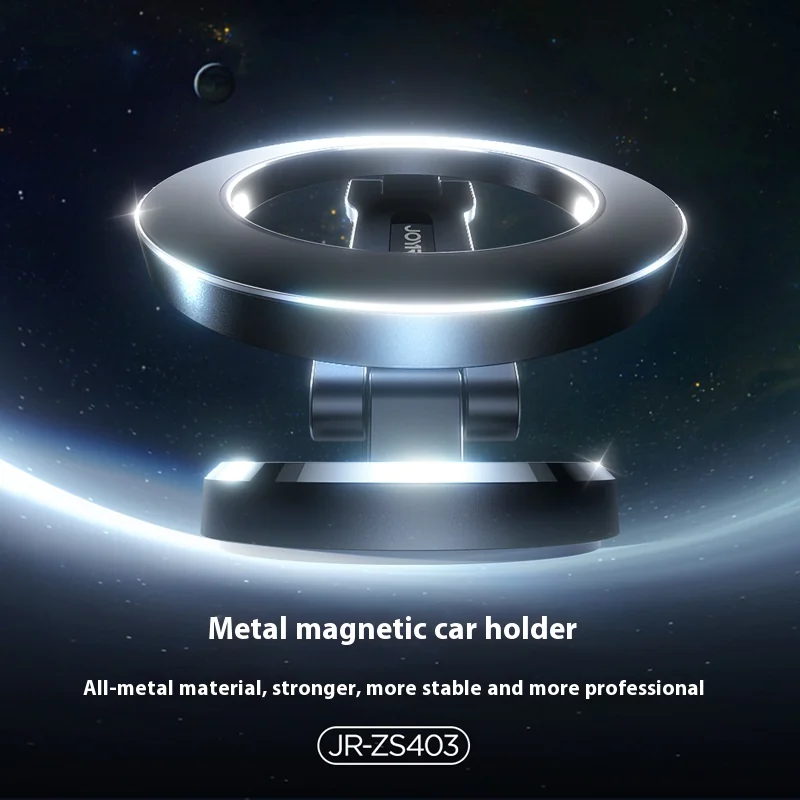
CarryHub
MagSafe Car Mount Phone Holder
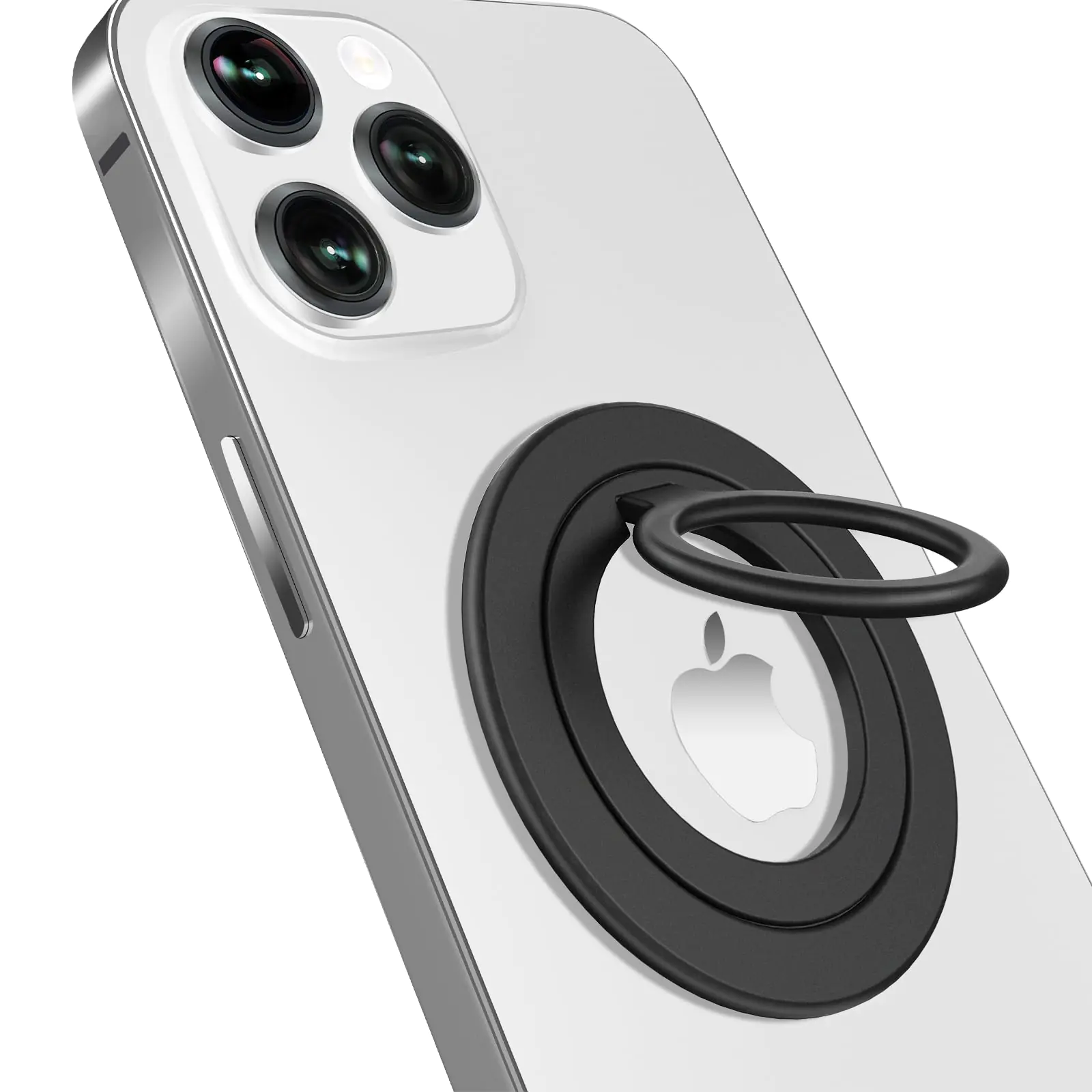
CarryHub
UKJENT Phone Ring Holder Grip - Compatible MagSafe Ultra Thin Flat
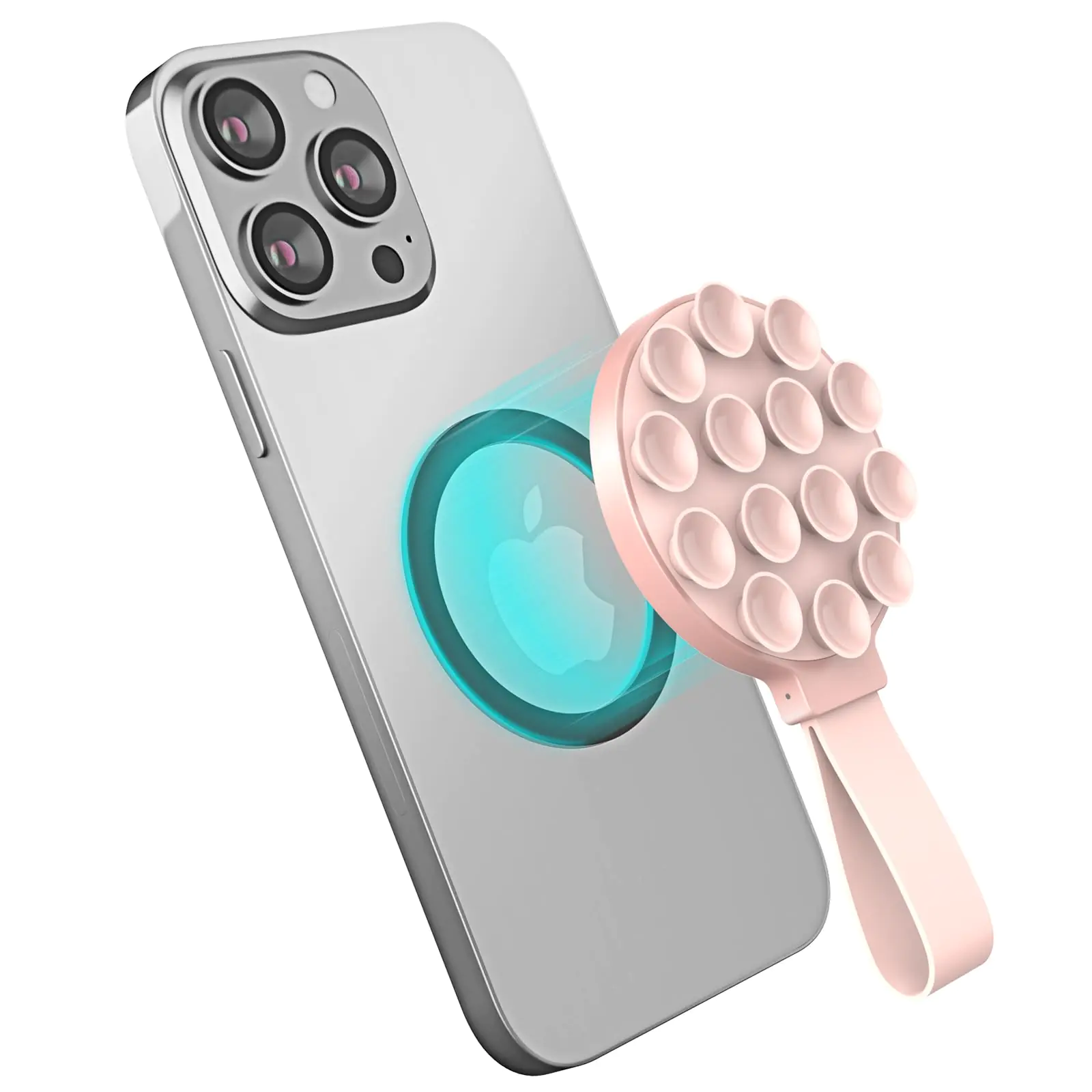
CarryHub
Suction Mount for Magsafe - Magnetic Suction Cup Phone Mount for
Common questions before you buy
Will magnets damage my cards? Modern bank cards with chips are fine; old magnetic-stripe-only cards and hotel key cards can be wiped, so keep those elsewhere.
Can I charge with a wallet attached? No. Remove the wallet before placing the phone on a wireless charger.
Want the essentials together? The MagSafe Essentials bundle and the Wireless Charging Set group the most-used pieces at a discount.
MagSafe on the desk and by the bed
A magnetic charging stand is one of the nicest upgrades for a desk: the phone snaps on at an angle you can read, charges, and comes off with one hand. On iPhone 14 and later, StandBy mode turns a horizontal phone on a stand into a clock, calendar or photo frame while it charges.
By the bed, a 3-in-1 charger that handles a phone, watch and earbuds replaces three cables with one. Check that the watch puck matches your watch; Apple Watch uses its own magnetic charger, not Qi.
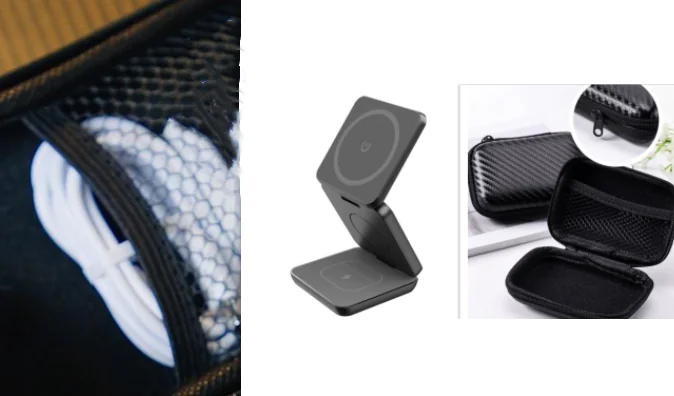
For travel, a foldable magnetic stand packs flat and gives you the same setup in a hotel room.
Strength, heat and other details
Magnet strength varies a lot between brands. Strong N52 magnets hold wallets and mounts firmly; weak ones let a wallet slide off in a pocket. Reviews that mention the hold on bumpy roads or in jeans pockets are more useful than the listed magnet grade.
Wireless charging creates more heat than a cable. If your phone feels hot on a charger, take the case off, make sure the charger has airflow and avoid charging in direct sun or a hot car. Many iPhones also slow wireless charging when warm to protect the battery.
Finally, keep magnetic accessories away from mechanical watches, credit cards with only a stripe and compasses. Your phone itself is designed for it; some other objects are not.
A simple starter set
If you are new to MagSafe, start with three pieces: a MagSafe-compatible case, a slim card wallet and a magnetic charging stand for your desk or bedside. Add a magnetic power bank or car mount once you know how you use it. That order gives you the most day-to-day benefit for the least money.
Frequently asked questions
Does MagSafe work through a case?
Yes through thin cases, but for a strong hold use a MagSafe-compatible case with its own built-in magnet ring.
Is MagSafe charging faster than regular wireless?
Yes. MagSafe and Qi2 charge recent iPhones at up to 15W, compared with about 7.5W on older non-magnetic Qi pads.
Can I use MagSafe accessories on an iPhone 11?
Only with a MagSafe-compatible case, because the iPhone 11 has no magnets built in.